Online kitchen planner – plan your kitchen in 3D from the comfort of your own home
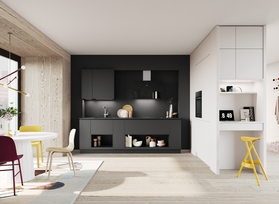
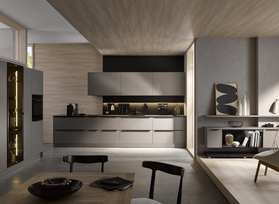
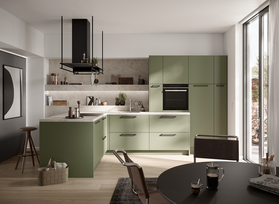
Design your new kitchen to suit your individual needs. With Häcker's free 3D kitchen planner, you can bring your ideas to life and immediately see what your kitchen design looks like as a realistic model.
Which front do you prefer? Do you prefer handle-free? Where would you like to place attractive cabinets? Plan your kitchen according to your own ideas or be inspired by our kitchen ideas. You can save your designs at any time and develop them further later or refine them together with a specialist dealer.
Plan your dream kitchen yourself now, quickly and free of charge!
Step by step to your own kitchen design
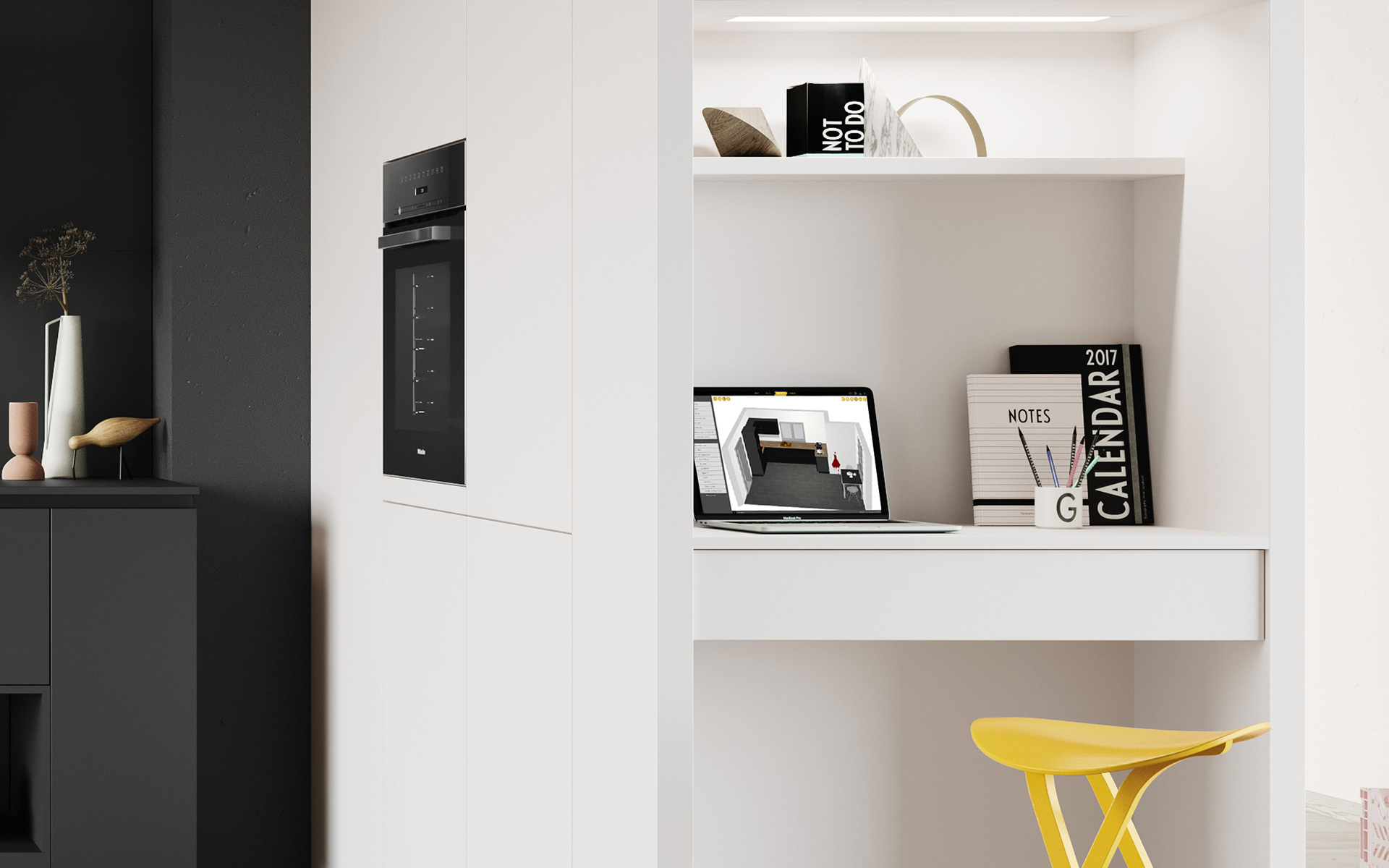
Step 1: Collect wishes and record basic ideas
Before you start planning, it is worth taking a look at your personal needs. Think about how you use your kitchen on a daily basis, what styles you like and which functions are particularly important to you. These initial thoughts will help you to establish a clear framework for your new kitchen.
Step 2: Measure the room and enter the dimensions
Carefully measure the wall lengths, room height and existing connections. The more accurate your measurements, the more realistic the subsequent 3D representation of your kitchen will be.
Step 3: Create a floor plan in the kitchen planner
Create your room in the kitchen planner: position windows, doors and radiators, select wall colours and floor coverings, and design the floor plan to reflect the actual layout of the room.


Step 4: Plan your kitchen freely
Choose from numerous Häcker fronts, cabinet types, worktops and electrical appliances. Place elements freely in the room and adapt your plan step by step to your wishes.
Step 5: Save up to three designs or go directly to the retailer
Save up to three different kitchen designs and compare them at your leisure. You can reopen your plan at any time, develop it further, print it out or finalise it together with a Häcker specialist retailer.
You can benefit from this with Häcker's kitchen planner.
With the Häcker kitchen planner, you can design your kitchen intuitively. Whether you want a U-shape, L-shape, cooking island or compact kitchenette – the tool shows you every option realistically in 3D and helps you quickly get a coherent overall impression.
The advantages at a glance:
Ideal for planning your own dream kitchen yourself
Free to use without installation
Try out different variants and adapt them flexibly
Experience your kitchen in a vivid 3D model
Get started right away without registering
Save, export or print your plans
Optimal preparation for your consultation in the kitchen studio
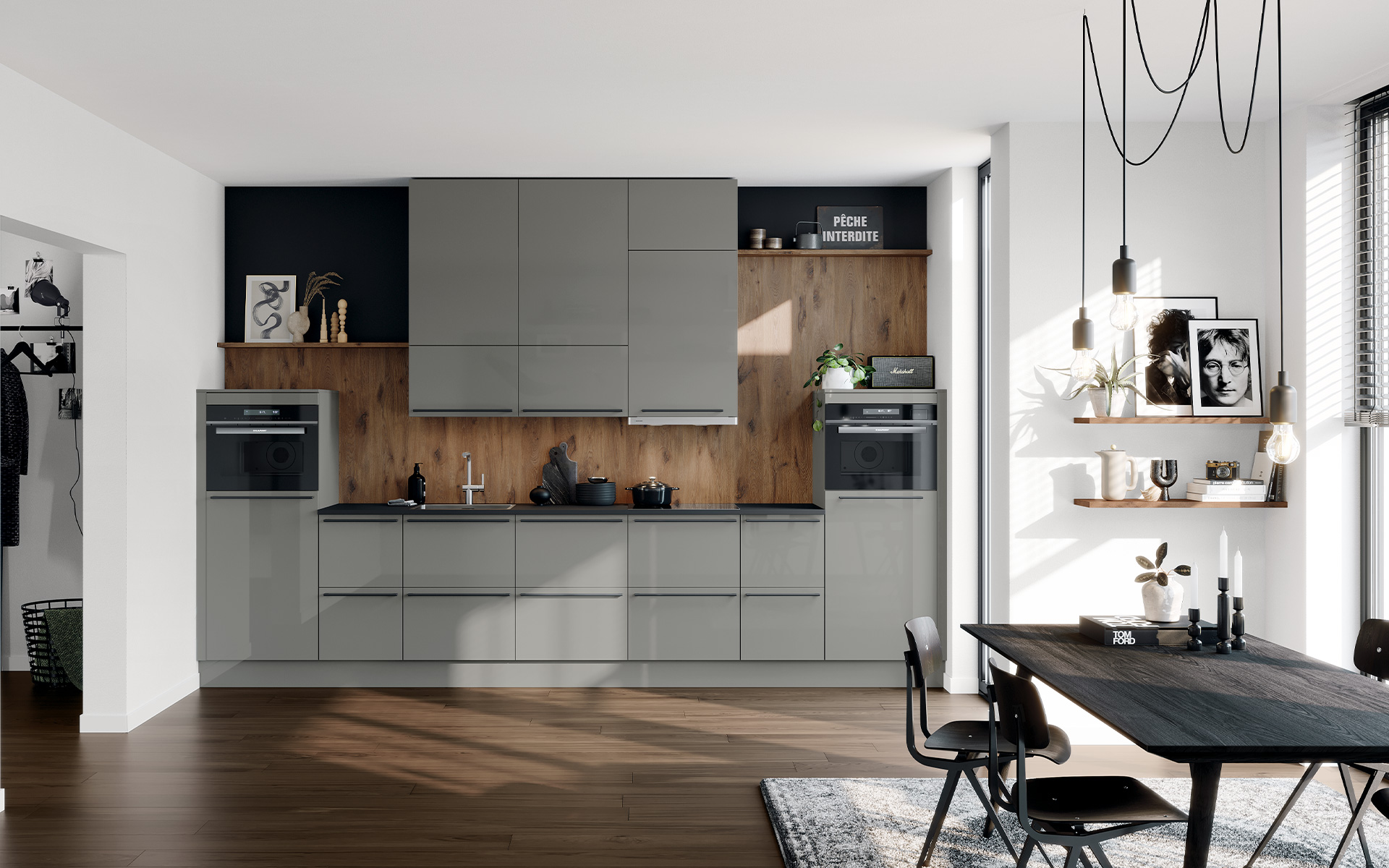
You have two options for planning your dream kitchen – either use our online kitchen planner or have a Häcker kitchen planned for you directly on site at the kitchen studio.
Questions about individual kitchen planning
Start by measuring the available space and entering the dimensions into the kitchen planner. You can then design the floor plan and begin the actual planning process.
Yes, the Häcker kitchen planner is completely free of charge and can be used immediately without registration.
You can save up to three plans, compare them and, if necessary, retrieve or edit them again.
Yes. Your saved designs can be printed out or taken with you to a meeting with a Häcker specialist dealer, who will professionally review and refine your plans.
The kitchen planner runs in your browser on your PC, tablet or smartphone – no download or installation required.
Be your own kitchen planner and design your dream kitchen in just a few steps – our planning tool makes it possible.